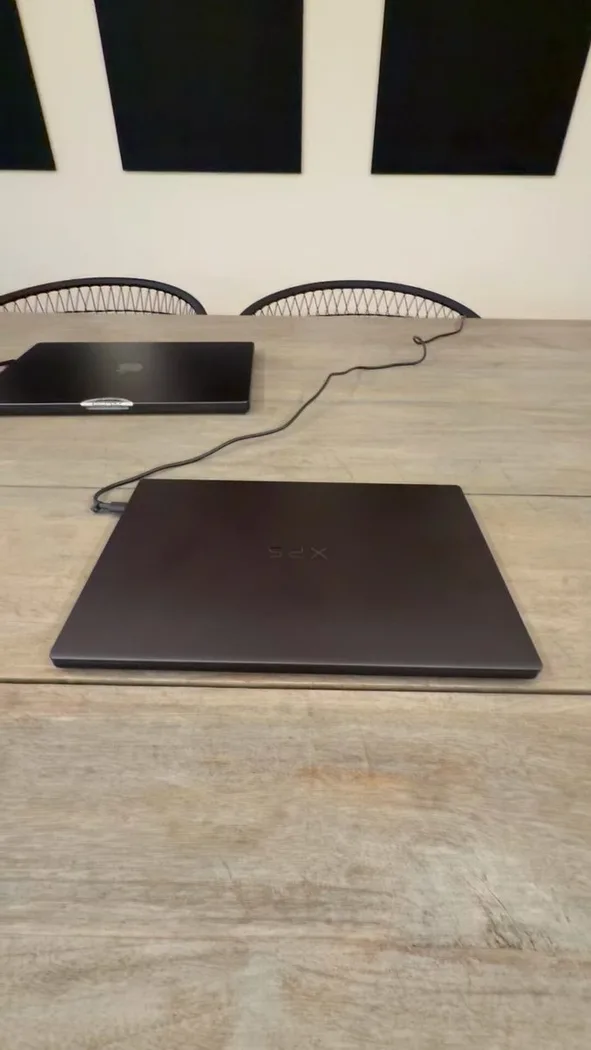
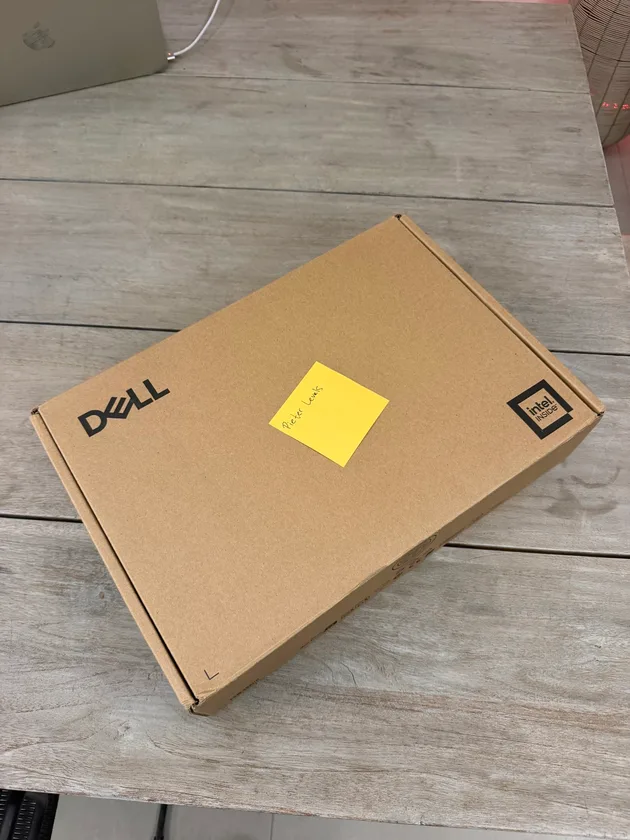
我打开了来自 @DHH 的盒子,里面是搭载 @omarchy 的 Dell XPS 14!设置非常简单、快速且完美,我觉得用了不到一 m...
产品与工具 · 2026/10/29
作者开箱了来自DHH的Dell XPS 14,预装了Omarchy系统。设置过程快速无瑕,不到一分钟完成。Omarchy通过合理的引导问题帮助配置Git和AI代理(如Codex、Claude Code或OpenCode),一切运行流畅无bug。进入系统后,作者需要学习快捷键,目前仍在适应中。作者计划设置SSH连接VPS服务器,并尝试用Claude Code自定义Omarchy,生成自己的应用。
本文提供了对预装Omarchy的Dell XPS 14的初步体验,突出了其快速设置和AI代理集成,对于对Linux发行版或DHH的Omarchy项目感兴趣的用户具有参考价值。
I opened the box form @DHH and it's the Dell XPS 14 with @omarchy loaded on it!
Set up was very easy, fast and flawless, I think it took less than a minute on first opening it
Omarchy asks you lots of questions to set it up for you, kind of like an onboarding, but not in an annoying way like Windows would do these days with too many useless questions, every question here makes sense
It sets up your Git and your AI agent of choice like Codex, Claude Code or OpenCode
Everything worked flawlessly with no bugs at all, really smooth
Then you're inside, and you see the famous Omarchy wallpaper, and then it gets a bit hard (for me at least) because I had to figure out the shortcuts
Luckily @jankeesvw helped me figure them out but I'm still learning
I'll be setting up my SSH to my VPS servers so I can work from there. And also I'd like to see if I can use Claude Code to customize Omarchy to my own liking, like generating my own apps etc.
I'll report back!
Part 2 of the video is in the reply (after I fixed the power)
在原站观看视频
<hr />@levelsio: Got a package from @DHH 🫨